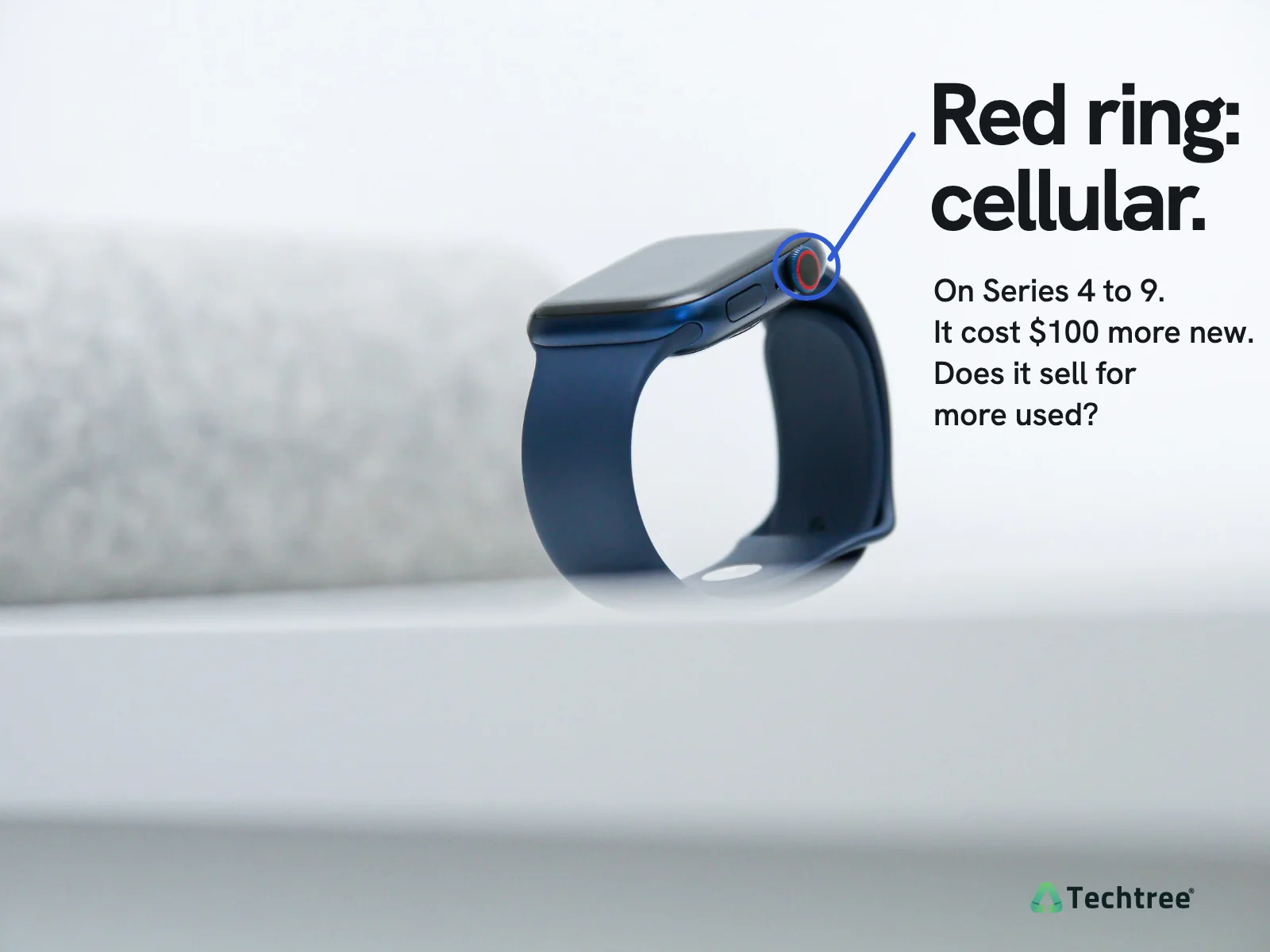
As of November 14, 2026, a cellular 42mm aluminum Series 12 in Good condition is worth $0 more than the GPS one, and a cellular 40mm SE 3 $10 more.
How much more is a cellular Apple Watch worth?
These are our own offers, updated daily (how we set prices), for a complete, working aluminum watch in Good condition, on the smaller case size.
| Model | GPS | Cellular | Difference |
|---|---|---|---|
 Series 1242mm aluminum |
$181 | $181 | $0 more |
 Series 1142mm aluminum |
$131 | $151 | $20 more |
 Series 1042mm aluminum |
$116 | $116 | $0 more |
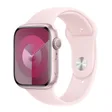 Series 941mm aluminum |
$79 | $90 | $11 more |
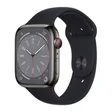 Series 841mm aluminum |
$65 | $65 | $0 more |
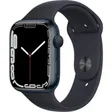 Series 741mm aluminum |
$33 | $42 | $9 more |
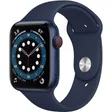 Series 640mm aluminum |
$32 | $35 | $3 more |
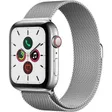 Series 540mm aluminum |
$16 | $18 | $2 more |
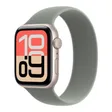 SE 340mm aluminum |
$51 | $61 | $10 more |
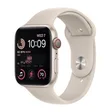 SE (2nd gen)40mm aluminum |
$35 | $36 | $1 more |
Each model's page prices every size, case and condition.
Is a titanium or stainless steel Apple Watch cellular?
Yes. Apple sold every titanium, stainless steel and ceramic Series 5 to 12 only as GPS + Cellular, and every Ultra is cellular too. That is why the table above is aluminum only: nothing else comes in both versions. Aluminum vs titanium vs stainless steel has those prices.
How do I know if my Apple Watch is GPS or cellular?
Check the model number. On the paired iPhone, open the Watch app, then My Watch, General, About, and tap Model until it shows a number starting with A. On an aluminum watch, a ring on the Digital Crown also means cellular: red on the Series 5 to 9 and the SE (2nd generation), the case color on the Series 10 to 12 and the SE 3, per Apple's identification guide.
| Model | GPS | GPS + Cellular |
|---|---|---|
| Series 12 | A3581, A3584 | A3582, A3587 |
| Series 11 | A3331, A3333 | A3335, A3337 |
| Series 10 | A2997, A2999 | A3001, A3003 |
| Series 9 | A2978, A2980 | A2982, A2984 |
| Series 8 | A2770, A2771 | A2772, A2774 |
| Series 7 | A2473, A2474 | A2475, A2477 |
| Series 6 | A2291, A2292 | A2293, A2294 |
| Series 5 | A2092, A2093 | A2094, A2095 |
| SE 3 | A3324, A3325 | A3326, A3328 |
| SE (2nd gen) | A2722, A2723 | A2726, A2727 |
These are North American numbers, smaller case first; Apple's guide lists the rest. Our quote asks GPS or GPS + Cellular, so check before you pick.
Do I need to cancel the cellular plan before selling?
Yes. Removing it from the watch and cancelling the line are separate steps.
- In the Watch app, tap My Watch, All Watches, the info button next to the watch, then Unpair Apple Watch.
- Choose Remove Cellular Plan when asked, then enter your Apple Account password. That erases the watch and turns off Activation Lock (Apple's steps).
- Call your carrier to cancel the line. Removing the plan on the watch does not cancel it, and Apple notes carrier fees might apply.
There is no SIM card to take out; Apple Watch has none. Our price doesn't depend on the plan, so there is no reason to keep it active for the sale.
How do I sell a cellular Apple Watch?
- Unpair it and cancel the plan as above. No iPhone? How to reset an Apple Watch covers that.
- Check at icloud.com/find that the watch is gone from your devices. We can't buy a watch with Activation Lock on, one reported lost or stolen, or one with a balance still owed.
- Pack the band and charger. If either is missing, say so in the quote.
- Get your quote. It is locked for 21 days and comes with a free prepaid label.
Sell it as it is; pick the condition that matches. For what every Series is worth in every condition, see Apple Watch Series 5 to Series 12.
If I were buying again, I would get GPS unless I knew I would use cellular away from my iPhone. Check the table above before counting on getting the extra back.
Sources
- Techtree price book, as of November 14, 2026: trade-in price index and the model pages linked above
- Identify your Apple Watch, Apple Support
- What to do before you sell, give away, or trade in your Apple Watch, Apple Support
- Unpair and erase your Apple Watch, Apple Support
- Set up cellular on Apple Watch, Apple Support
- About Activation Lock on your Apple Watch, Apple Support
- Apple Store pages for each model while it was current, archived by the Internet Archive: Series 5, Series 6, Series 7, SE (2nd generation), Series 8, Series 9, Series 10, Series 11, SE 3
- Apple Store, Apple Watch Series 12 and Apple Watch SE 3, checked September 30, 2026