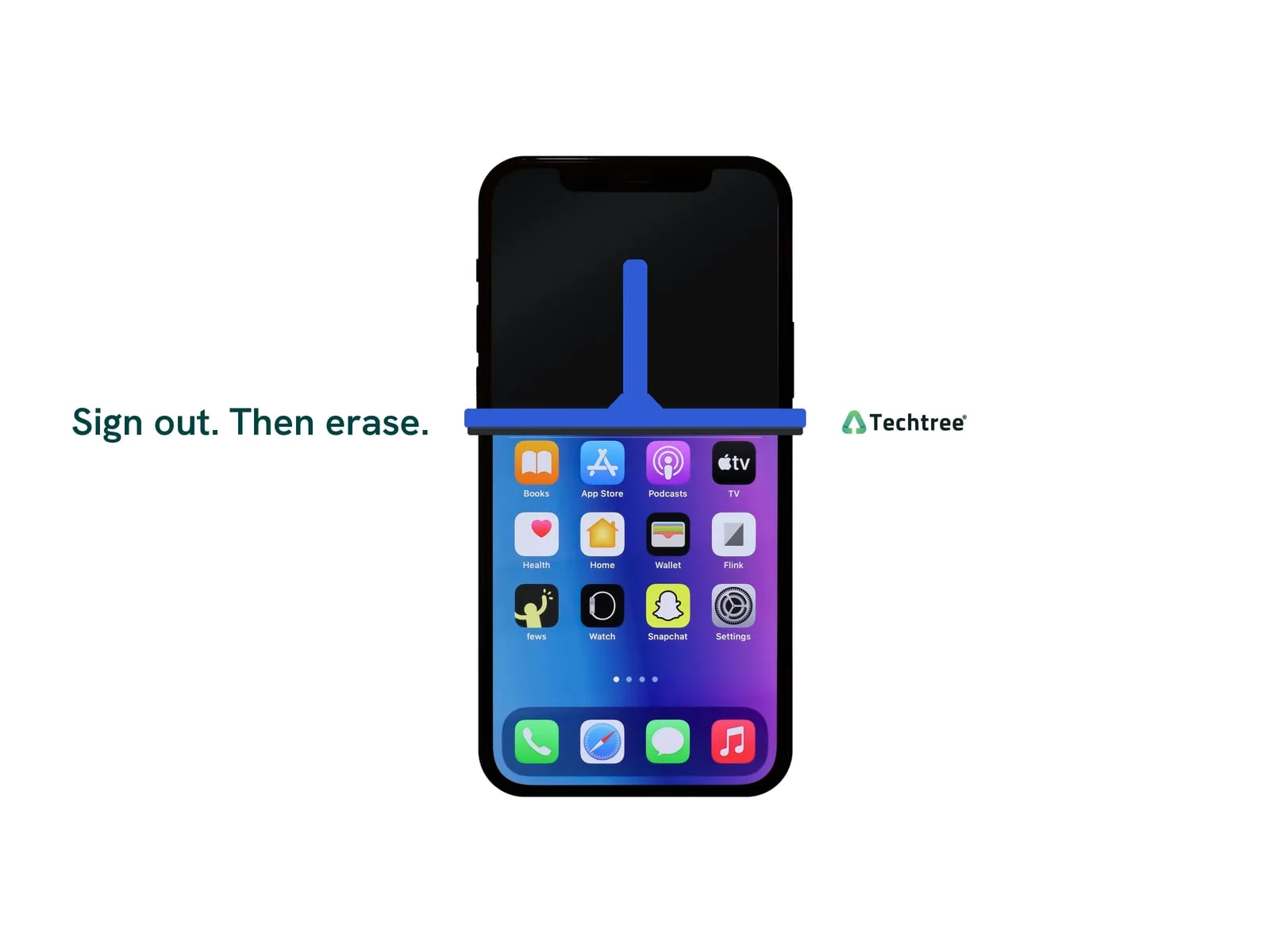
To wipe a phone before you sell it, back it up, sign out of your Apple or Google account, then erase it from the Settings app, not with the phone's buttons. The sign-out is what releases the lock that ties the phone to you.
If you already have a Techtree quote, your price is locked for 21 days, so there is time to do it properly.
Before you erase anything
Back up first: iCloud Backup on an iPhone, your Google account backup on an Android phone. Apple's checklist starts with a backup (Apple Support). Google adds two things that catch people out: know your Google password and screen lock before you start, and if you reset that password in the last 24 hours, wait a day before you reset the phone (Google Pixel Help).
Then take care of anything paired to the phone. Unpair your Apple Watch from the iPhone before you erase it; unpairing is also what erases the watch and removes its Activation Lock. Our Apple Watch reset guide has those steps.
Take out the SIM card and any memory card too. We don't send them back, even if we return the phone.
How to wipe an iPhone
These are Apple's steps for iOS 26 and later (Apple Support):
- Open Settings, tap your name, scroll down and tap Sign Out. If it asks which account, choose Sign out of iCloud and Store.
- Go to Settings > General > Transfer or Reset iPhone > Erase All Content and Settings.
- Enter your passcode, then tap Erase iPhone.
- If the phone has an eSIM, choose to erase the phone and the eSIM.
Apple says erasing turns off Find My and Activation Lock. Don't delete photos or contacts one by one beforehand while you're still signed in: that deletes them from iCloud and from your other Apple devices. If your next phone isn't an iPhone, Apple's checklist also says to deregister iMessage.
How to wipe a Samsung Galaxy
Samsung's steps (Samsung Support):
- Remove your Google account in Settings, under Accounts, as our locked phone guide explains.
- Stay on Wi-Fi or mobile data, and have your Samsung account password ready. The phone needs both to sign you out of your Samsung account before the reset can finish.
- Go to Settings > General management > Reset > Factory data reset, tap Reset, then Delete all. Samsung says Factory Reset Protection, which asks for the old Google account before the phone can be set up again, is triggered when a phone is reset any other way.
How to wipe a Google Pixel
Google's steps (Google Pixel Help):
- Remove your Google account in Settings, the same as on a Galaxy.
- Charge the phone to at least 70 percent and stay connected. Google says a reset can take up to an hour (Android Help).
- Go to Settings > System > Reset options > Erase all data (factory reset), tap Erase all data and enter your PIN, pattern or password.
Already sold it, or the screen won't turn on?
For an iPhone you no longer have, Apple says to ask the new owner to erase it, or erase it yourself in Find Devices on iCloud.com, then remove it from your list of trusted devices. Changing your Apple Account password afterward doesn't remove anything from the phone, but it stops the new owner from deleting your information from iCloud (Apple Support).
For a Pixel you can't reset, Google's route is myaccount.google.com, then Security, then Your devices: select the phone and sign out (Google Pixel Help).
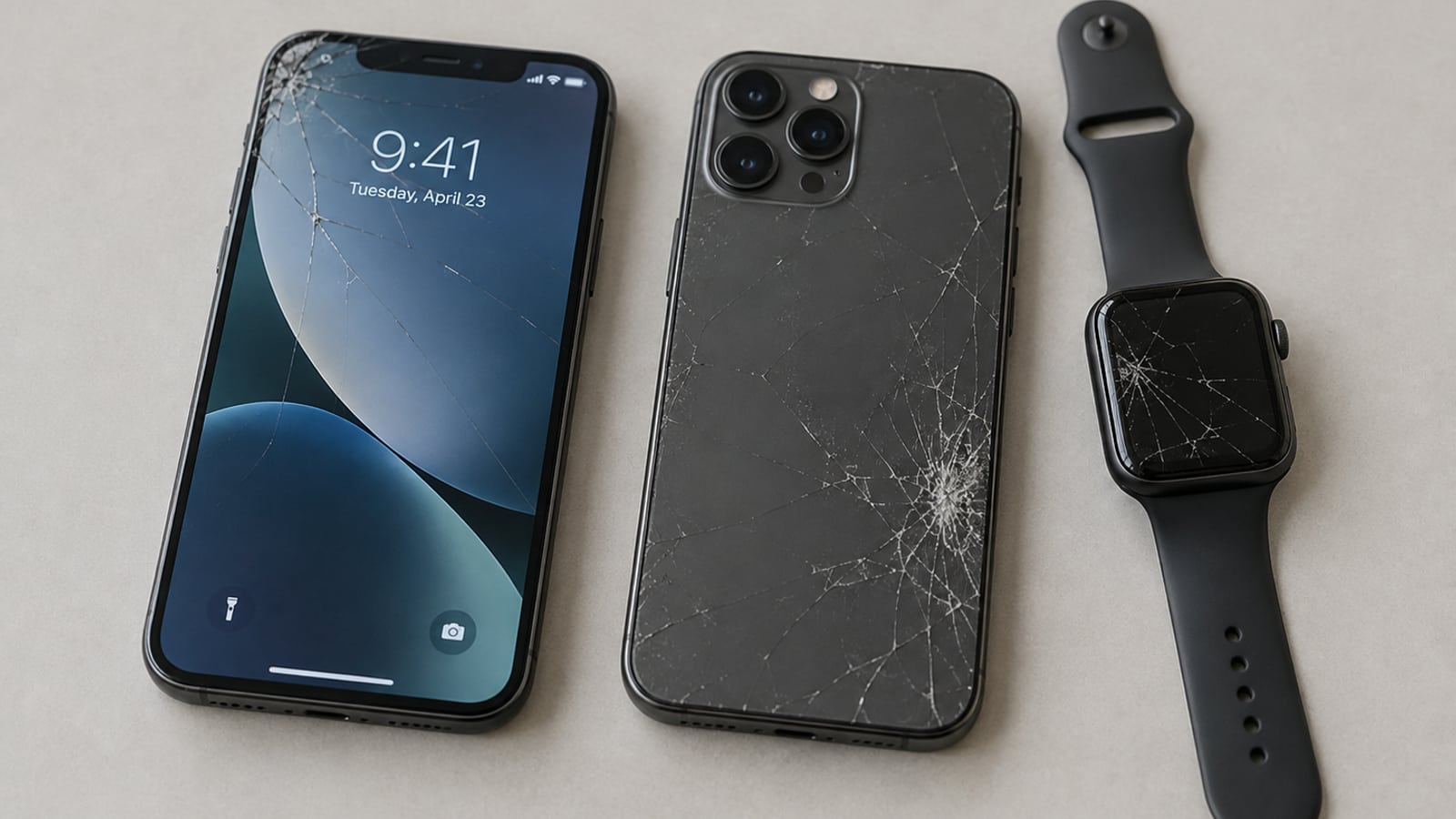
A phone that won't turn on is often still worth something as Broken: up to $19 for an iPhone 13 as of November 11, 2026. Clear it from your account remotely and get a quote anyway.
What we check when it arrives
When a phone reaches us, we check its IMEI for carrier status, Activation Lock and blacklisting. A phone that arrives still locked to an account can't be bought until the lock is cleared, and while return shipping is free for most devices, it isn't for a locked one. That is the expensive way to find out the sign-out didn't happen. More on that in selling a locked phone.
A wiped, unlocked phone is paid on its condition alone. As of November 11, 2026, Techtree pays up to $189 for an iPhone 13 in Good condition, up to $291 for a Galaxy S23 Ultra and up to $240 for a Pixel 9, depending on storage and carrier.
My advice: do the sign-out tonight, even if the erase waits until the box is packed. It's the one step that costs you money when it gets missed.
Sources
- What to do before you sell, give away, or trade in your iPhone or iPad, Apple Support, May 29, 2026
- Perform a factory reset on your Galaxy phone or tablet, Samsung Support
- How to factory reset your Google Pixel phone, Google Pixel Help
- Reset your Android device to factory settings, Android Help